
So, which embroidery product is right for you? We’ve put together this comparison to help guide you to the right solution.
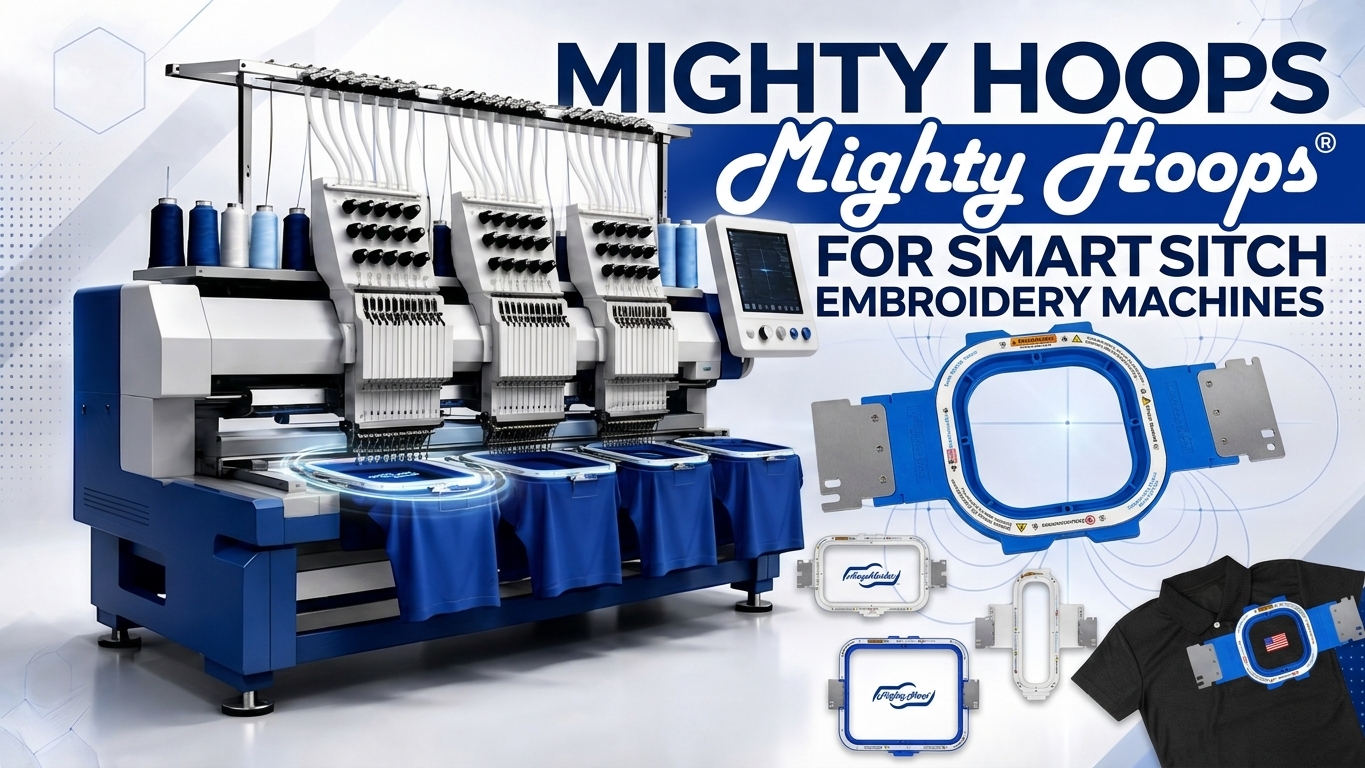
Mighty Hoops for Smartstitch Embroidery Machines
November 11, 20260
If you own a Smartstitch embroidery machine and are looking for a magnetic embroidery hoop, Mighty Hoops are the only magnetic hoops recommended by Smartstitch for its multi-needle embroidery machines. Mighty Hoops use strong magnets to hold the garment and stabilizer securely, making it easier to hoop everything from everyday apparel to thick or bulky items.
Which Smartstitch machines can use Mighty Hoops? Mighty Hoops are available for every current Smartstitch model listed below. This guide will help you find the right Mighty Hoop magnetic hoop for your machine, select the correct bracket style, and install the proper hoop parameters.
Which Smartstitch Machines Can Use Mighty Hoops?
Mighty Hoops are available for the following Smartstitch embroidery machines:
- Smartstitch S-1001
- Smartstitch S-1201
- Smartstitch S-1201 Plus
- Smartstitch S-1501 (Standard)
- Smartstitch S-1501 Ultra (Beast)
- Smartstitch S-1501 Plus (Beast)
- Smartstitch S-1502HC (2-Head)
If your Smartstitch multi-needle machine model is not listed, please call us. It may be a new model, and we may not have updated this guide yet.
The available Mighty Hoop sizes and bracket styles vary depending on the Smartstitch model and its sewing field. Use the chart below to identify compatible hoop sizes, bracket styles, and sewing field maximums for your machine.
| SMARTSTITCH MACHINE | BRACKET STYLE / SIZING | MAX HOOP SIZE | NOTES |
|---|---|---|---|
| S-1001 (New 2024) |
CH427C for all sizes | 11 x 13 with 1/2” offset |
Reduced sewing area toward the front on the 11 x 13” hoop |
| S-1201 | CH427C for all sizes | 11 x 13 with 1/2” offset |
Reduced sewing area toward the front on the 11 x 13” hoop |
| S-1201 Plus after July 2026 |
CH427C all sizes up to 8 x 13 & 12 x 11 CH520C 10 x 16, 11 x 13, 12 x 15, 13 x 16 |
13 x 16 with 1/4” offset |
Reduced sewing area toward the front on the 12 x 15 and 13 x 16 hoops |
| S-1501 (Standard) | TJ360 up to 10” wide TJ500 11 – 13” wide TJ600 14” + wide |
13 x 16 or 10 x 19 |
|
| S-1501 Ultra (Beast) | TJ360 up to 10” wide TJ500 11 – 13” wide TJ600 14” + wide |
13 x 16 or 10 x 19 |
|
| S-1501 Plus (Beast) | TJ360 up to 10” wide TJ500 11 – 13” wide TJ600 14” + wide |
13 x 16 or 10 x 19 |
|
| S-1502HC (2-head | July 2025) |
CH400A up to 11” wide TJ500 12” + wide |
14 x 16 or 17 x 11 |
Remove 1 center arm to fit 12” + sizes Sew field max: 13.7 x 13.7 (350 x 350mm) |
If you are unsure which Mighty Hoop fits your Smartstitch machine, contact us before placing your order. Our team can help confirm the correct hoop, bracket style, and sewing field for your specific model.
Why Proper Mighty Hoop Parameters Are Important
One of the most important steps when using Mighty Hoops is programming the correct hoop parameters into your Smartstitch embroidery machine.
The hoop parameters tell the machine the available sewing area for each magnetic hoop. If the wrong parameters are entered or the incorrect hoop is selected, the embroidery machine may attempt to move beyond the hoop’s available sewing field. This can damage the Mighty Hoop, the machine, or both.
You can manually enter Mighty Hoop parameters into an embroidery machine. However, manual programming can leave room for typing mistakes, incorrect measurements, or other user errors. It can also be time-consuming, especially if you own several hoop sizes.
Fortunately, Smartstitch provides premade embroidery-frame parameter files for its machines. Instead of entering the measurements individually, you can download the correct file for your model and install all the available Mighty Hoop parameters directly on your machine.
This provides a faster and more consistent setup process, regardless of which compatible Smartstitch embroidery machine you own.
What You’ll Need
Before beginning, you will need a USB flash drive that works with both your computer and your Smartstitch embroidery machine.
A standard USB 2.0 or USB 3.0 drive should work. The parameter files are small, so a drive with 4 GB or more of storage should be sufficient.
How to Add Mighty Hoop Parameters to a Smartstitch Embroidery Machine
IMPORTANT SOURCE NOTE: The instructions in this article for adding Mighty Hoop parameters to a Smartstitch machine were provided directly by Smartstitch. They were not created or independently verified by Midwest Products, Inc. Please follow Smartstitch’s official instructions and contact Smartstitch technical support with questions about your machine’s software or parameter installation.
Follow each step carefully. Missing a step may require you to restart the installation process.
Step 1: Download the Parameter File
Visit the official Smartstitch System Upgrade page.
Scroll down until you find your machine model followed by the words “embroidery frame parameters.” For example, if you have an S-1001, select the file labeled “S-1001 embroidery frame parameters.”
Smartstitch currently provides separate parameter-file downloads for:
- Smartstitch S-1001
- Smartstitch S-1201
- Smartstitch S-1201 Plus
- Smartstitch S-1501 (Standard)
- Smartstitch S-1501 Ultra (Beast)
- Smartstitch S-1501 Plus (Beast)
- Smartstitch S-1502HC (2-Head)
Be sure to download the embroidery-frame parameter file for your exact Smartstitch model.
Step 2: Copy the File to a USB Drive
Insert the USB drive into your computer and locate the downloaded parameter file in File Explorer.
Click and drag the file directly onto the USB drive. Place it in the root, or base folder, of the USB drive rather than inside another folder.
Once the file has finished copying, safely remove the USB drive from your computer.
Step 3: Install the Parameters on Your Smartstitch Machine
Insert the USB drive into the USB port on your Smartstitch machine’s control panel.
Follow the installation instructions displayed on the screen. Once the installation is complete, the available Mighty Hoop parameters should appear directly on the machine’s display.
You can then select the appropriate Mighty Hoop when setting up an embroidery design.
Step 4: Watch the Smartstitch Installation Tutorial
Smartstitch also provides video tutorials demonstrating how to install the embroidery-frame parameters. We recommend watching the appropriate tutorial and following the instructions closely:
These tutorials are also linked directly above the parameter-file downloads on the Smartstitch System Upgrade page.
Always Select the Correct Hoop and Trace Your Design
After installing the parameters, select the Mighty Hoop you plan to use from your Smartstitch machine’s display and load your embroidery design.
Always run a trace before beginning the stitch-out.
Tracing allows the machine to move around the outer boundaries of the design so you can verify that it fits within the hoop’s actual sewing area. This important step helps identify potential conflicts between the design size, design placement, and available sewing field before stitching begins.
Even if the design appears to fit on the screen, tracing should always be part of your setup process.
Why Choose Mighty Hoops for a Smartstitch Machine?
Mighty Hoops are the only magnetic hoops recommended by Smartstitch for its multi-needle embroidery machines. Unlike traditional screw-style hoops, a Mighty Hoop uses strong magnetic force to hold the garment and stabilizer together.
Because Mighty Hoops automatically adjust to different material thicknesses, they can make it easier to hoop many items, including:
- Jackets and outerwear
- Sweatshirts and hoodies
- Bags and backpacks
- Towels
- Workwear
- Everyday shirts and apparel
- Thick or bulky garments
- Horse blankets
- Vinyl
- Leather
- Delicate materials such as satin
Unlike traditional embroidery hoops, Mighty Hoops greatly reduce the chance of hoop burn. They can also reduce hand and wrist strain by eliminating the need to manually adjust a traditional hoop for different material thicknesses. Their consistent magnetic force helps hold the garment and stabilizer securely.
Frequently Asked Questions About Smartstitch Mighty Hoops
Can I use Mighty Hoops on a Smartstitch S-1001?
Yes. The Smartstitch S-1001 (New 2024) uses CH427C brackets for all compatible sizes and the same hoops as the S-1201. The 11 × 13 works with a ½-inch offset, which reduces the sewing area toward the front of the hoop.
Are Mighty Hoops available for the Smartstitch S-1201 and S-1201 Plus?
Yes. The S-1201 uses CH427C brackets for all compatible sizes. The S-1201 Plus uses CH427C brackets for all compatible sizes up to 10 × 10, as well as the 8 × 13. It uses CH520C brackets for the 11 × 13 and 12 × 15. Be sure to choose the correct bracket style for the hoop size you are ordering.
Can I use Mighty Hoops on Smartstitch S-1501 machines?
Yes. Mighty Hoops are available for the Smartstitch S-1501 (Standard), S-1501 Ultra (Beast), and S-1501 Plus (Beast). These machines use TJ360 brackets for hoops up to 10 inches wide, TJ500 brackets for hoops 11 to 13 inches wide, and TJ600 brackets for hoops 14 inches wide or larger. The maximum Mighty Hoop size is 13 × 16 or 10 × 19.
Can I use Mighty Hoops on Smartstitch Beast models?
Yes. Mighty Hoops are available for the Smartstitch S-1501 Ultra (Beast) and S-1501 Plus (Beast). Be sure to choose the correct bracket style for your machine from the dropdown menu when ordering.
Are Mighty Hoops available for the Smartstitch S-1502HC?
Yes. The Smartstitch S-1502HC two-head embroidery machine uses CH400A brackets for hoops up to 11 inches wide and TJ500 brackets for hoops 12 inches wide or larger. The maximum Mighty Hoop size is 14 × 16 or 17 × 11. Remove one center arm to fit hoop sizes 12 inches wide or larger. The maximum sewing field is 13.7 × 13.7 inches, or 350 × 350 mm.
Do I need to enter each Mighty Hoop size manually?
No. Although Mighty Hoop parameters can be entered manually, Smartstitch provides premade embroidery-frame parameter files for compatible machines. Downloading and installing the correct file is typically faster and reduces the possibility of an incorrect manual entry.
Why do I need to trace my embroidery design?
Running a trace confirms that the entire design fits within the actual sewing area of the selected Mighty Hoop. It can help prevent the machine from striking the hoop or attempting to stitch outside the available embroidery field.
Where can I buy Mighty Hoops for Smartstitch machines?
You can view compatible hoops, kits, fixtures, and accessories on our Smartstitch Mighty Hoop product page. Mighty Hoops can also be purchased directly from Smartstitch. Be sure to choose the correct bracket style for your machine from the dropdown menu when ordering.
Need Help Finding the Correct Smartstitch Mighty Hoop?
If you need help selecting a magnetic hoop for your Smartstitch embroidery machine or have questions about Mighty Hoop compatibility, contact the HoopMaster team.
Email us at info@hoopmaster.com or call 262-257-0930 Monday through Friday from 8:00 a.m. to 4:30 p.m. Central Time.
Happy Hooping!

0 comments
Write a comment